Marketing Dashboard in Looker Studio: 4 Free Tools and 5 Questions Worth Money
Do you know what your customer searches for online before finding you? Do you know whether Google is showing you or not? And which page of your website they leave from without contacting you?
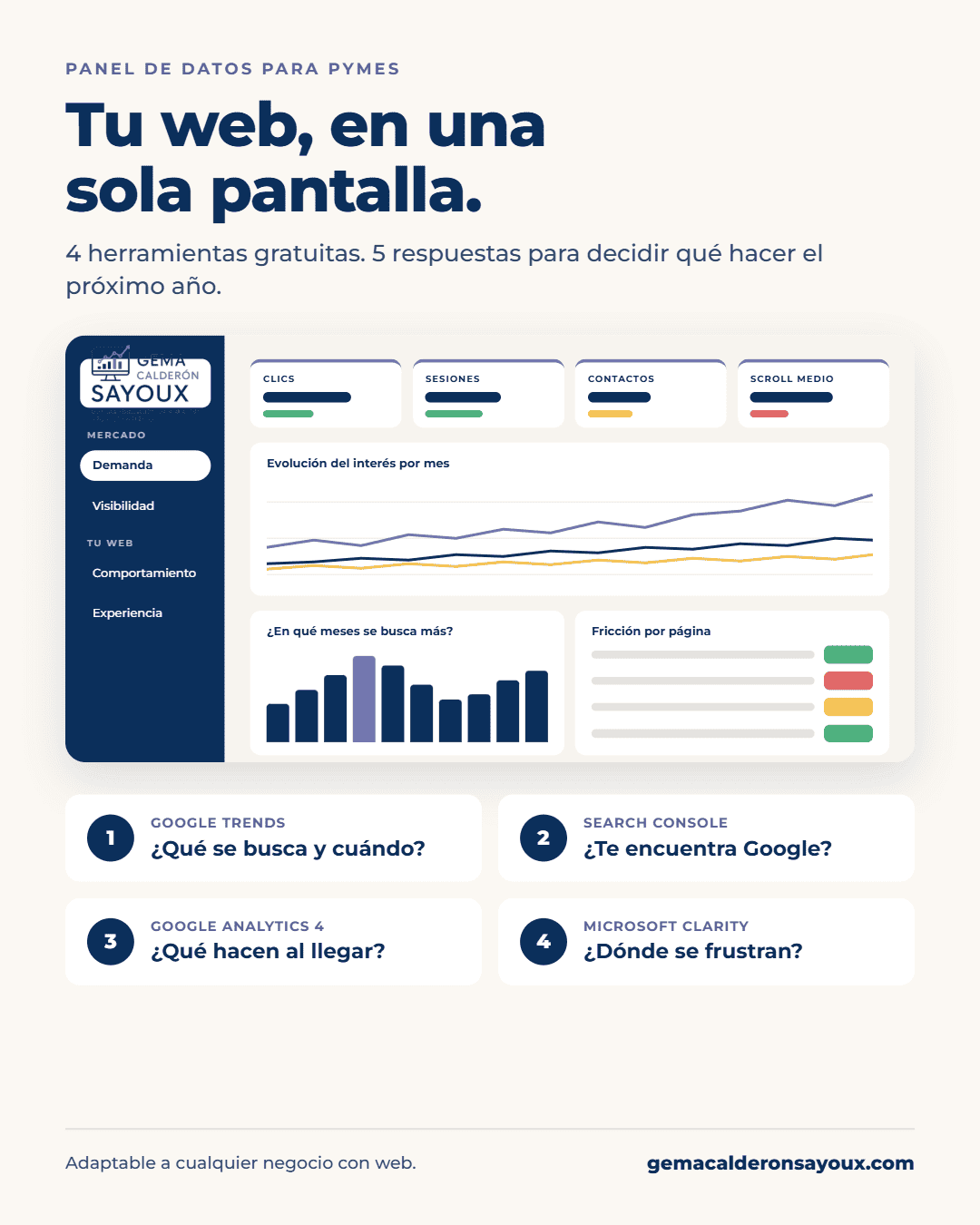
In my day-to-day work I meet a huge number of businesses that want to know exactly that: quickly and in summary, how their website is doing, what results it’s giving them and what they should do next year. In this article I walk you through the step-by-step process I follow to answer those questions, with four free tools and a single Looker Studio dashboard.
In this article:
Understand what each of the four free tools I use with my clients tells you.
Detect what your customer searches for, where you don’t show up and in which months they search for you most.
Decide which content to boost and when to raise or lower your campaign spend.
Before deciding, you need data with history
To make decisions with real data, you first need to have data. And I don’t mean “I think I sell more in summer,” but measured data with history. The good news is that the tools you need are free: three from Google and one from Microsoft.
The 4 free tools I use with my clients
Google Analytics 4: what users do inside your website
GA4 tells you where users come from, which pages they visit, how long they stay and whether they end up contacting you, calling you or buying. It’s the picture of what happens inside your website.
Google Search Console: what happens before they arrive
Search Console tells you what happens before the user arrives: which searches you appear for, how many times you’re seen, what position you hold in the results and how many people click. In other words, how users reach your website, or how they could.
Google Trends: how much demand there is and when
With that information in hand, the natural next step is to start researching. That’s where another free tool comes in that many businesses don’t use: Google Trends. It shows you how much interest there is in what you offer and how it changes throughout the year, even if you haven’t done anything.
This is key. If your visits drop in August, you first need to know whether your website is to blame or whether nobody is searching for what you sell in August.
Microsoft Clarity: why users leave
Clarity is also free and, for me, it’s the one that surprises clients the most. It shows you the real user journey on your website: where they click, how far they scroll and, above all, where they get frustrated. Angry repeated clicks, clicks on things that don’t work, or people who arrive and leave within a second.
Put simply: Google Analytics tells you someone left; Clarity tells you why they left.
The 5 questions worth money
With these four tools together you can answer five questions that have a direct impact on your revenue:
- What does your customer really search for, and what do you have on your website that you can or should optimize based on that?
- Does your website have visibility on Google or not?
- Which content should you boost depending on the time of year?
- Which pages have user experience problems?
- When does it make sense to raise your Google Ads investment and when to lower it based on seasonality?
The problem: four tools, four tabs
They are four free tools, yes, but they are also four tabs and four different ways of reporting data. And no business owner has time to cross-reference them every month. That’s normal.
That’s why, with my clients, I bring everything together in a single Looker Studio dashboard that can be read in ten minutes and answers those five questions.
This is what the dashboard looks like with a real case
I’ll show it to you with a dashboard I built for an aesthetic clinic in Barcelona (with the data that identifies them hidden). The structure works for any business: stores, law firms, restaurants…
Question 1: what do people really search for?
Here you see the real searches around each service the client selected beforehand. What’s interesting isn’t the treatment itself, but how people search for it: price, before and after, whether it hurts, whether it’s invasive.
With this you already have plenty of information to understand the language used by people searching for your service: what kind of searches they make, which related searches are most popular and which areas show the most interest.
Question 2: is Google showing you?
The visibility page summarizes impressions, clicks, CTR and average position on Google, and how they evolve.
And this table is my favorite: “One step from the first page”. These are the searches you already appear for, but between position 5 and 20. If you already rank there, you have a page that answers that search, and what’s missing is optimizing it. It’s one of the fastest ways to gain visits.
Questions 3 and 5: what to boost and when to invest?
Questions 3 and 5 are answered with the same chart: in which months each service is searched for most. That way you know which content to boost and when to raise or lower campaign spend based on seasonality, instead of spreading the budget evenly all year.
Question 4: where do users get frustrated?
Here I cross-reference the frustration recorded by Clarity (repeated clicks, clicks on things that don’t respond) with GA4 conversions, to see which pages have experience problems and whether they still generate leads.
Important: this page requires Microsoft Clarity to be installed on your website, so it is not part of the template I sell. If you want to add it, I can set it up with you as a separate service.
What to ask your agency
If you work with an agency, you don’t need to build the dashboard yourself. But you can ask them to answer these five questions for you every month with data, not impressions. If they can’t tell you which searches are one step from the first page or in which months it makes sense to invest more, you’re missing information to decide.
The Looker Studio template: what it includes and how to get it
If you want a dashboard like this for your business, you can get the template for 100 €.
Includes [CONFIRM]: the “How to use the dashboard” page, the “Demand” page (Google Trends), the “Visibility” page (Search Console) with the “One step from the first page” table, the seasonality charts by service and the “Behavior” page (GA4).
Does not include: the “Experience” page, because it requires Microsoft Clarity.
How it works: you fill out the form, move on to secure payment with Stripe and receive the template in your email along with a guide to connect your own data.
Frequently asked questions
Four free tools, five questions and clear decisions for next year. That’s what I do with my clients, and now you can do it too.



Leave a Reply